



A business website is often the first interaction a potential customer has with your company. Before they speak with your team, visit your location or request a quote, they may already have formed an opinion based on how quickly your website loads, how easy it is to navigate and how clearly it communicates what you offer.
A visually impressive website is not automatically a user-friendly website. If visitors cannot find the information they need, understand what to do next or comfortably use the site on their phone, good design can quickly become a missed business opportunity.
Modern website design should therefore balance appearance with performance, accessibility, clarity and conversion. The goal is to create an experience that feels effortless for visitors while helping the business achieve measurable objectives.
Below are five practical areas businesses should focus on when creating or improving a professional website.
Key Takeaways
✓
Website speed directly affects the experience visitors have when they first arrive.
✓
Simple navigation helps visitors find important information without unnecessary effort.
✓
Every important page should provide a clear next step or call to action.
✓
Customers should always have an obvious way to contact the business or get help.
✓
Consistent typography, spacing, imagery and messaging create trust and professionalism.
✓
Good UX should work across mobile, tablet and desktop while remaining accessible to different users.
In This Article
Great Website UX Starts With the Basics
A user-friendly website should make it easy for visitors to understand, navigate, trust and act.
01Fast
Give visitors a responsive experience from the first interaction.
02Clear
Make navigation and messaging easy to understand.
03Helpful
Make answers, contact options and support easy to find.
04Consistent
Use a cohesive visual system across the entire website.
1. Make Sure Your Website Loads Quickly
Website speed is one of the first things visitors experience. If a page takes too long to become usable, people may leave before they even have an opportunity to understand what the business offers.
Performance is especially important on mobile devices, where visitors may be using slower connections or less powerful hardware. A modern website should therefore be designed with performance in mind from the beginning rather than treating speed as a final optimization step.
Large images, unnecessary JavaScript, poorly optimized CSS, excessive third-party scripts and inefficient server responses can all contribute to slower pages. Compressing images, loading resources efficiently and removing unnecessary code can make a noticeable difference.
Performance also contributes to the overall quality of the user experience. Visitors should be able to begin interacting with the page quickly instead of waiting for visual elements to finish loading.
For businesses planning a new site, our web development services can help create a stronger technical foundation with performance and scalability considered during development.
3. Make Your Call to Action Impossible to Miss
A business website should have a clear purpose. Depending on the business, that purpose could be generating enquiries, booking appointments, selling products, requesting a quote, starting a conversation or encouraging visitors to learn more.
Every important page should make the next step obvious. A strong call to action does not need to be aggressive; it simply needs to be clear and easy to find.
For example, instead of making a visitor search for a contact page, a service page could include a relevant action such as Request a Quote, Book a Consultation or Talk to Our Team.
Use visual hierarchy to make important actions stand out, but avoid turning every button into a competing primary CTA. When everything is emphasized, nothing feels important.
4. Make Help and Contact Options Easy to Find
Not every visitor will understand everything immediately. Some may have a question about pricing, availability, delivery, services, technical requirements or the next step in the process.
A user-friendly website gives people a simple way to get assistance without forcing them to search through multiple pages.
Useful Support Options
Choose the options that make sense for your audience and business model.
01
Phone
Make a business phone number easy to locate when customers prefer direct communication.
02Email
Provide a clear email route for questions that do not require an immediate response.
03
Live Chat
Useful for businesses where visitors commonly need quick answers before converting.
04
Contact Forms
Keep forms focused and ask only for information that is genuinely necessary.
The important point is not to provide every possible support channel. It is to make the most appropriate option easy to find.
5. Keep Your Design and Content Consistent
A professional website is made up of many small decisions: typography, colors, buttons, spacing, imagery, icons, headings and written content. When those elements work together, the website feels intentional and trustworthy.
Inconsistent design can create friction. Different button styles, changing heading sizes, unrelated colors or inconsistent spacing can make the website feel less polished and make it harder for visitors to understand the interface.
Content consistency matters too. Service descriptions, product information and calls to action should use clear language and maintain the same tone across the website.
Small details can influence whether a visitor feels confident enough to continue exploring or decides to look for another business.
6. Design for Mobile First
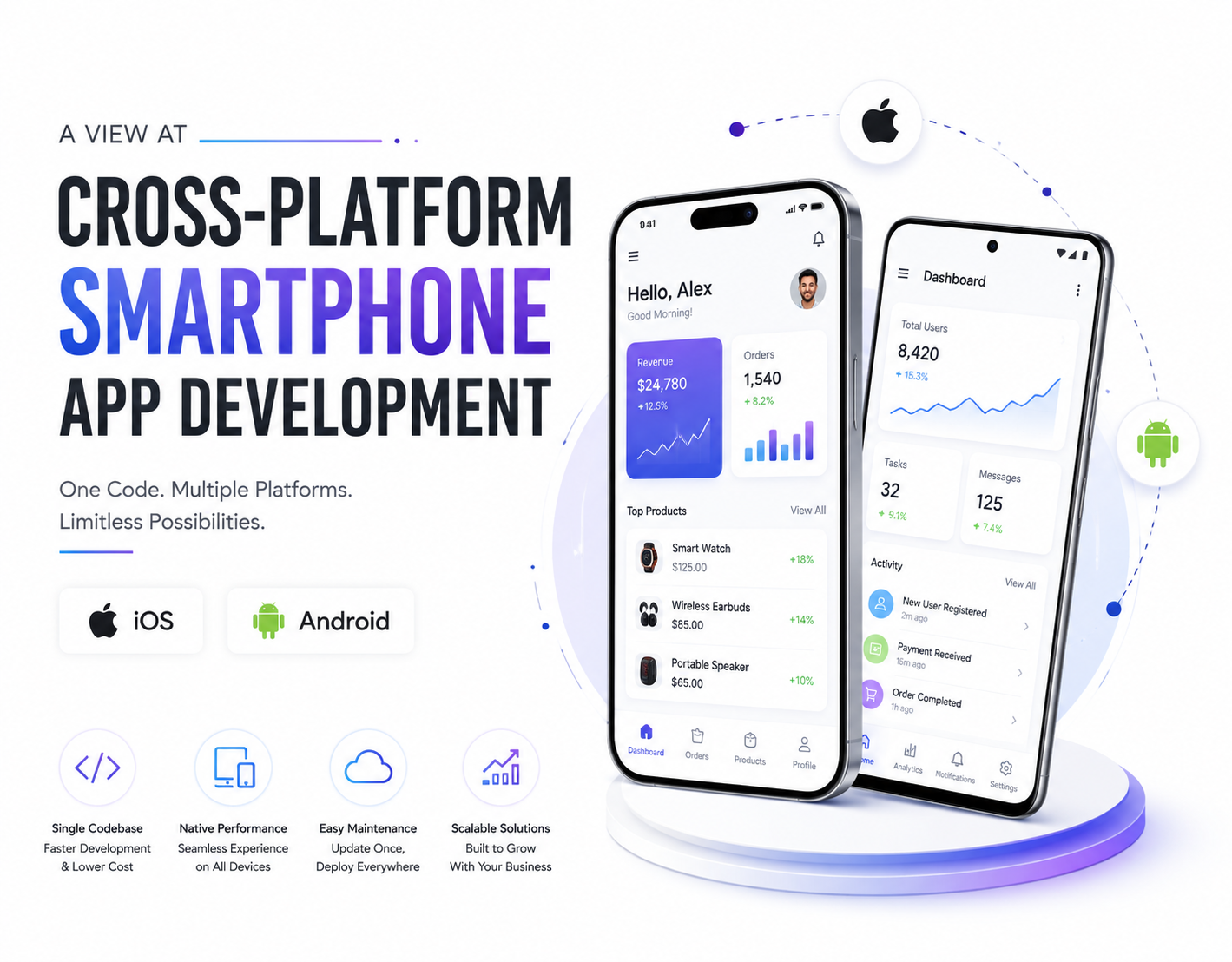
A business website should work comfortably on smartphones as well as larger screens. Mobile visitors often have less screen space and may be using the website while moving between tasks.
Buttons need to be easy to tap, text needs to remain readable and important information should not be hidden behind complicated interactions.
Responsive design should not simply shrink the desktop website. The layout should adapt to the way people interact with the website on different screen sizes.
Test important journeys such as navigation, contact forms, checkout, booking and calls on real mobile devices rather than relying only on a desktop browser resized to a smaller width.
7. Make the Website Accessible and Easy to Read
User-friendly design should work for as many people as possible. Readable typography, sufficient contrast, meaningful headings, descriptive links and properly labeled form fields all contribute to a better experience.
Images should have meaningful alternative text when they communicate information, while decorative images should not distract users who rely on assistive technology.
Do not rely on color alone to communicate important information. Interactive elements should also be identifiable and usable without requiring visitors to guess what they do.
Accessibility improvements often benefit everyone, not only users with specific accessibility requirements. Clear structure and readable content make websites easier for all visitors to use.
Common Website UX Mistakes
A few common problems can make an otherwise attractive business website difficult to use.
01
Slow First Impression
Large assets and unnecessary scripts delay the visitor's first meaningful interaction with the website.
02
Too Many Navigation Choices
A crowded menu can make it difficult for visitors to understand where they should go.
03
Weak Calls to Action
Visitors may be interested but still leave because the next step is unclear.
04
Hidden Contact Information
Making customers search for support or contact details adds unnecessary friction.
05
Inconsistent Visual Design
Different styles across pages can reduce trust and make the website feel unfinished.
06
Desktop-Only Thinking
A website that works well on a large monitor can still provide a poor mobile experience.
Website User Experience Checklist
Before launching or redesigning your website, review the following areas:
- Pages load quickly and important content becomes usable without unnecessary delay
- Navigation is simple enough for visitors to understand immediately
- Every major page has a clear purpose and relevant call to action
- Phone, email, forms or other support options are easy to find
- Typography and content remain readable across different screen sizes
- Buttons and interactive elements are easy to identify and use
- Images are optimized without sacrificing important visual quality
- Design elements remain consistent across the website
- Important forms and conversion journeys work properly on mobile
- The website provides useful, original content for visitors and search engines
How SEO Fits Into User-Friendly Website Design
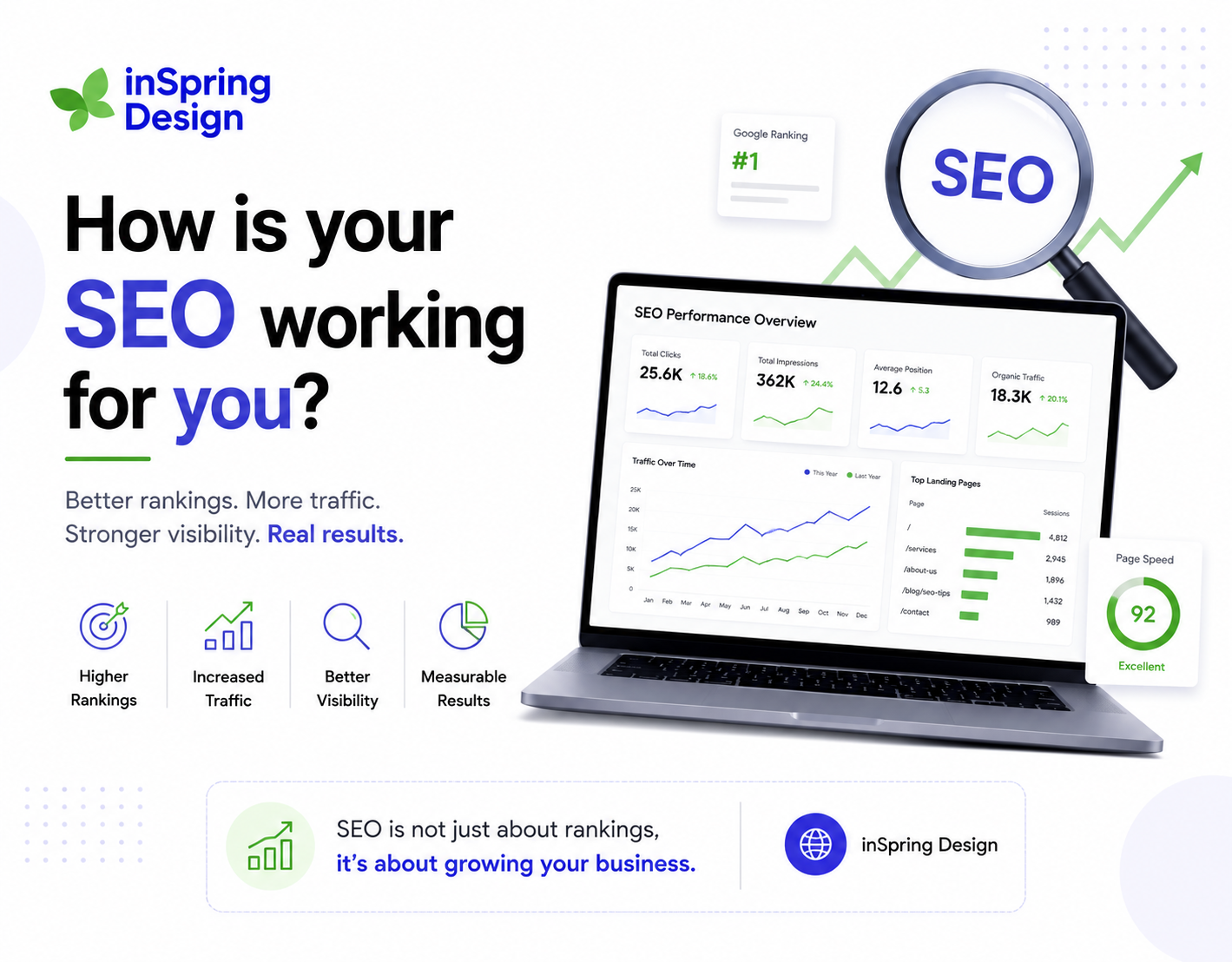
User experience and search visibility should not be treated as completely separate disciplines. Search engines need to understand the content and structure of a website, while visitors need to be able to understand and use it.
Clear page structure, useful content, descriptive headings, meaningful links, good performance and mobile usability can all contribute to a stronger overall website experience.
Our SEO services can help businesses build search visibility alongside a website experience that is designed for real users.
When Should You Redesign Your Business Website?
A redesign is not always necessary simply because a website looks older. The stronger reason to consider a redesign is when the current experience no longer supports the needs of the business or its customers.
Warning signs can include declining enquiries, poor mobile usability, slow performance, outdated content, confusing navigation, difficulty updating pages or an inability to integrate new business requirements.
If the underlying technology is also becoming difficult to maintain, combining a redesign with professional web development can provide a better long-term foundation.
Frequently Asked Questions
What makes a business website user-friendly?
A user-friendly website is fast, easy to navigate, readable, mobile-friendly and clear about what visitors can do next. It should also make important information and contact options easy to find.
How fast should a business website be?
The goal should be to provide a fast and responsive experience rather than targeting an outdated fixed number of seconds. Performance should be measured using real user experience and modern performance metrics.
How many menu items should a website have?
There is no universal maximum. The important principle is to keep the primary navigation focused and group related pages logically instead of presenting visitors with an overwhelming list of choices.
Why are calls to action important?
Calls to action tell visitors what to do next. A clear CTA can reduce friction and guide users toward an enquiry, purchase, booking, contact or other important business goal.
Does user-friendly design help SEO?
A good user experience can support broader SEO goals by improving usability, content clarity, mobile experience and performance. SEO should combine technical optimization with useful content and a strong experience for visitors.
Final Thoughts
A successful business website does not need to be complicated. In many cases, the best experience comes from getting the fundamentals right: fast performance, clear navigation, useful content, visible calls to action and consistent design.
The five principles from the original article remain useful, but modern websites also need to account for mobile-first experiences, accessibility, performance, search visibility and the expectations users have when interacting with digital businesses.
If you are creating a new website, these considerations should be part of the strategy from the beginning. If you already have a website, reviewing the customer journey can reveal opportunities to remove friction and improve results.
At InSpring Design, we combine website design, web development and SEO to create digital experiences that are designed not only to look professional, but also to work for the people using them.
IMPROVE YOUR WEBSITE
Ready to create a website your customers actually enjoy using?
Let's build a fast, clear and conversion-focused digital experience around your business goals and customers.
Start a ProjectStart a Project→