


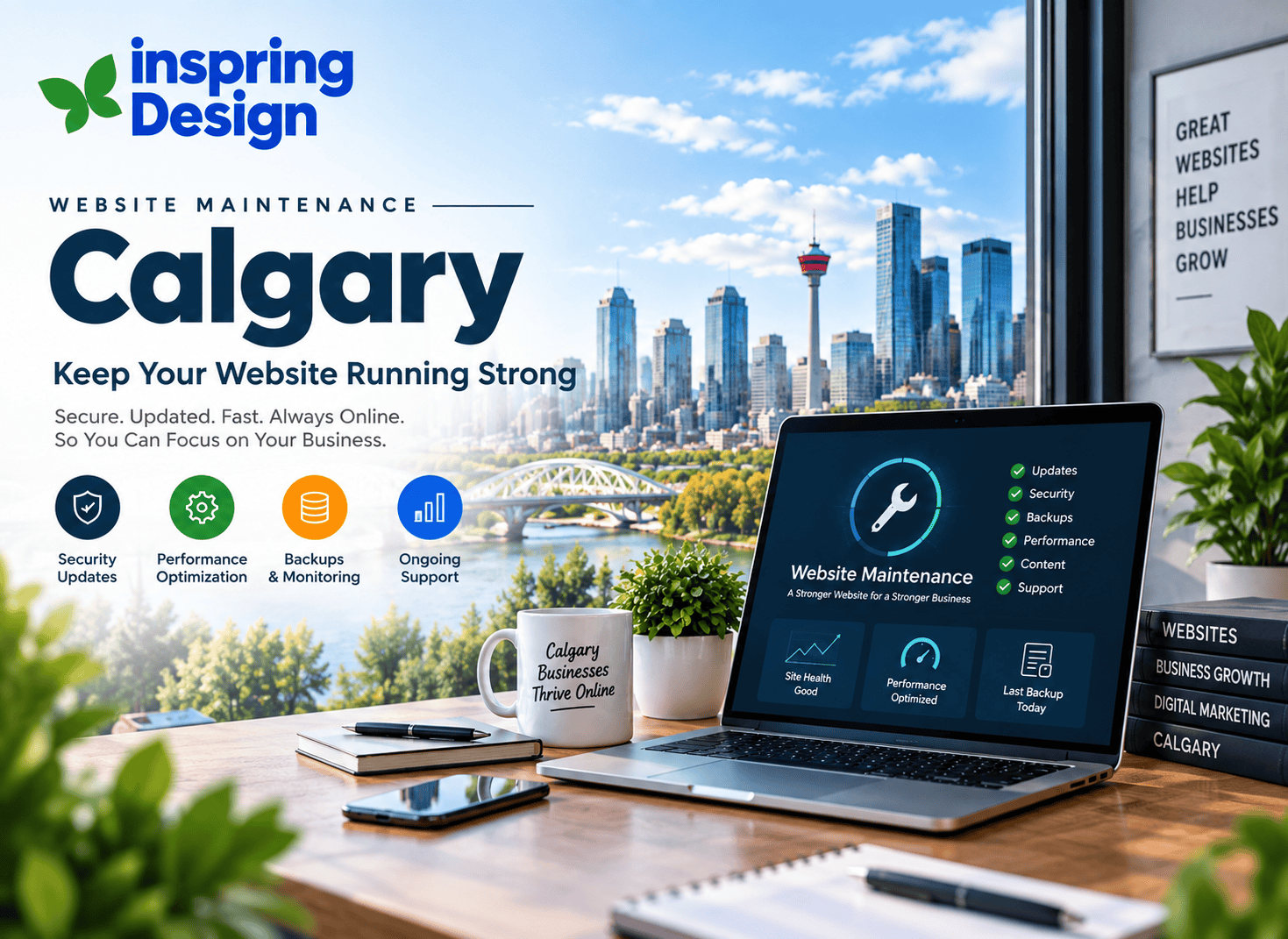
Your website may be online today, but that does not mean it will continue working perfectly tomorrow. Software changes, security threats evolve, links break, content becomes outdated and website performance can gradually decline.
For Calgary businesses that depend on their website to generate enquiries, bookings, leads or sales, ongoing website maintenance is an important part of protecting that investment. Website maintenance is not simply about fixing a website when something goes wrong. It is about regularly checking the health, security, performance and content of your website.
Key Takeaways
✓
A business website is not a one-time project; it needs ongoing maintenance.
✓
Regular updates can improve website security, compatibility and stability.
✓
Backups provide an important safety net when something goes wrong.
✓
Website speed and mobile performance should be reviewed regularly.
✓
Broken links, forms and outdated content can negatively affect user experience.
✓
Professional website maintenance allows business owners to focus on their business instead of troubleshooting technical issues.
In This Article
01 Why Website Maintenance Matters 02 Keep Your Website Updated 03 Security and Website Backups 04 Improve Website Speed and Performance 05 Fix Broken Links, Forms and Errors 06 Keep Website Content Up to Date 07 Website Maintenance and SEO 08 Mobile and User Experience 09 How Often Should a Website Be Maintained? 10 Common Website Maintenance Mistakes
Website Maintenance at a Glance
Four areas that help keep your business website healthy.
01 Secure
Protect your website, forms and business information.
02 Update
Keep software, content and website features current.
03 Optimize
Improve website speed, usability and overall performance.
04 Monitor
Check for errors, broken links and technical issues regularly.
1. Why Website Maintenance Matters for Calgary Businesses
Your business website is often one of the first places potential customers go when they want to learn about your company. If pages load slowly, contact forms stop working or important information is outdated, visitors may lose confidence in the business.
Regular website maintenance helps identify problems before they become larger issues. It also gives businesses an opportunity to improve their website as their services, customers and business requirements change.
For businesses in Calgary and surrounding areas, this can be particularly important when the website plays a role in generating local enquiries, appointments, bookings or sales.

2. Keep Your Website Software and Features Updated
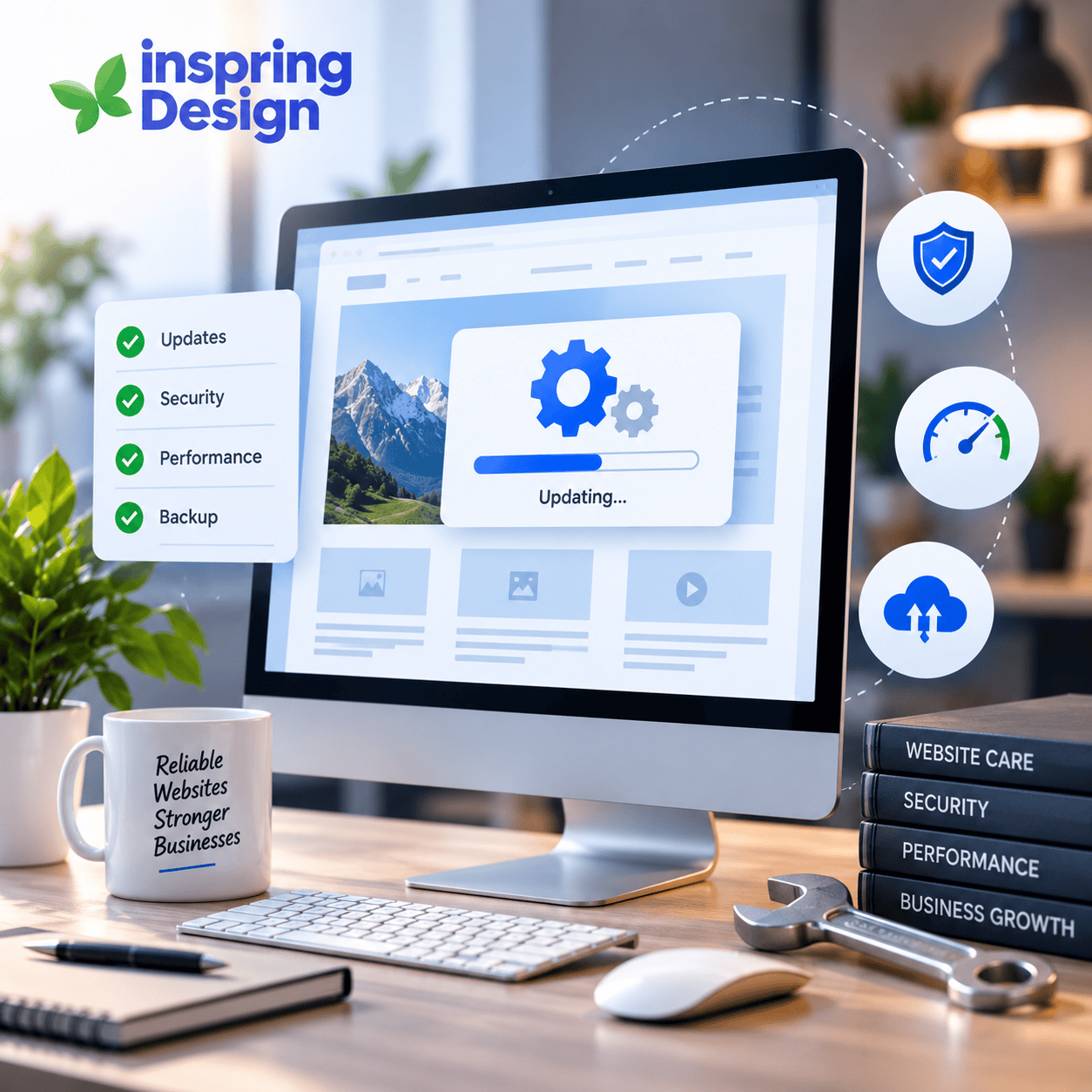
Websites are often built using frameworks, content management systems, plugins, libraries and other software components. These technologies receive updates over time to improve security, compatibility, performance and functionality.
Leaving important components outdated for long periods can create compatibility problems or leave known security issues unresolved.
Website maintenance should include reviewing the technologies used by your website and applying appropriate updates while checking that important features continue to work correctly.
- Website framework and platform updates
- Plugin and library updates
- Security updates
- Browser compatibility checks
- Contact form testing
- Third-party integration checks
3. Protect Your Website With Security and Backups
Website security should be part of every maintenance plan. Even a small business website can become a target for automated attacks, malicious software or unauthorized access attempts.
Regular maintenance provides an opportunity to review security settings, software versions, administrator access and other areas that can affect the security of your website.
Backups Are Your Safety Net
A reliable backup strategy can make recovery much easier if a website experiences a technical problem, accidental change or security incident.
- Maintain regular website backups
- Store backups securely
- Test that backups can be restored
- Review administrator access
- Keep website software updated
- Monitor for unexpected changes or errors
4. Improve Website Speed and Performance
Website performance can change over time. New images, scripts, integrations, plugins and content can gradually increase page size and affect loading performance.
A maintenance process should therefore include periodic performance checks rather than assuming that a website will remain as fast as it was on launch day.
- Review page loading performance
- Optimize large images
- Remove unnecessary scripts and resources
- Review third-party integrations
- Check hosting and server performance
- Monitor important landing pages
Faster pages can also create a better experience for visitors, particularly people browsing your website from mobile devices or slower connections.
5. Fix Broken Links, Forms and Website Errors
Small website problems can have a surprisingly large impact on customers. A broken contact form, missing image or incorrect link can prevent someone from completing an important action.
Regular maintenance should include checking the key paths customers use to contact or interact with your business.
- Contact and enquiry forms
- Phone and email links
- Important navigation links
- Service and product pages
- Images and downloadable files
- Website redirects
- Error pages
6. Keep Your Website Content Up to Date
Website maintenance is not only a technical task. Your content also needs regular attention.
Business information can change as your services, team, pricing, opening hours, locations and processes evolve. Outdated information can create confusion for potential customers.
Review Important Business Information
- Services and product information
- Contact details
- Business hours
- Location and service areas
- Team information
- Calls to action
- Blog articles and other resources
Keeping your content current helps visitors find accurate information and gives search engines a clearer understanding of what your business currently offers.
7. Website Maintenance and SEO
Website maintenance and SEO are closely connected. Technical problems, broken links, poor page performance and outdated content can all affect the overall quality of a website.
Maintenance gives you an opportunity to regularly review important SEO elements and make sure the website continues to provide useful information to visitors.
- Review important page titles and descriptions
- Check broken links and redirects
- Review website indexing
- Keep important content current
- Improve internal linking
- Monitor website performance
- Review important search queries and landing pages
Maintenance does not replace an SEO strategy, but it helps keep the technical and content foundation of your website in good condition.
8. Check Mobile Experience and Usability
A large portion of website visitors use smartphones and tablets. A website that looks good on a desktop computer may not provide the same experience on a smaller screen.
Regular maintenance should include checking important pages on different screen sizes and ensuring that visitors can easily navigate, read content and complete important actions.
- Navigation menus
- Contact forms
- Buttons and calls to action
- Text readability
- Images and media
- Page loading performance
9. How Often Should a Business Website Be Maintained?
There is no single maintenance schedule that works for every business. A brochure-style website with limited changes may require a different maintenance routine than an ecommerce website or a website connected to multiple business systems.
A practical maintenance schedule can include regular checks for technical issues, software updates, security, backups and website performance.
Regular Checks
- Website availability
- Contact forms
- Important links
- Website security
- Software updates
- Backups
- Performance
- Content accuracy
Businesses that frequently update their websites or rely heavily on online enquiries may benefit from a more active maintenance approach.
Common Website Maintenance Mistakes
Website problems often happen because maintenance is treated as something to deal with only after an issue appears.
01
Only Updating When Something Breaks
Waiting for a website problem before performing maintenance can make issues harder and more expensive to resolve.
02
Ignoring Backups
A website without reliable backups can be much harder to recover after an unexpected technical or security problem.
03
Forgetting About Mobile Users
A website should be checked on mobile devices regularly rather than assuming that the mobile experience will remain perfect.
04
Leaving Content Outdated
Old services, incorrect business information and outdated pages can reduce customer confidence and create a poor user experience.
05
Forgetting Website Performance
Websites can become slower as new content, scripts and integrations are added. Performance should therefore be reviewed regularly.
Frequently Asked Questions
What is website maintenance?
Website maintenance involves regularly checking, updating and improving a website to keep it secure, functional, accurate and easy for visitors to use.
Why does my business need website maintenance?
Websites rely on technology that changes over time. Regular maintenance helps identify technical issues, keep software current, protect website data and ensure important features continue working correctly.
How often should a website be maintained?
The ideal schedule depends on the website. Important areas such as security, backups, forms, software updates and performance should be checked regularly. Websites with frequent changes or complex integrations may require more active maintenance.
Does website maintenance help SEO?
Website maintenance can support SEO by helping keep pages accessible, functional, fast and up to date. It does not replace an SEO strategy, but it helps maintain the technical foundation needed for a healthy website.
Can I maintain my website myself?
Some basic updates can be handled internally, depending on the website. However, security, backups, technical updates, performance issues and more complex changes may require professional support.
What happens if I do not maintain my website?
Problems can gradually build up, including outdated software, broken links, poor performance, inaccurate content and security vulnerabilities. Regular maintenance helps identify these issues before they become larger problems.
Final Thoughts
Your business website is an ongoing digital asset, not something that simply ends when development is complete. As technology, customer expectations and your business change, your website needs to change with them.
Regular website maintenance helps keep your website secure, functional, fast and useful. From software updates and backups to performance checks, content updates and mobile testing, small maintenance tasks can help prevent larger problems later.
For Calgary businesses that rely on their website for leads, enquiries, bookings or sales, keeping the website healthy should be part of the overall digital strategy.
Whether you need occasional technical support or ongoing website maintenance, having the right process in place can help you protect your website investment and provide a better experience for your customers.
KEEP YOUR WEBSITE RUNNING
Need reliable website maintenance?
Keep your business website secure, updated, fast and ready for your customers with professional website support from InSpring Design.
Start a Project Start a Project →Need Help With Your Website?
InSpring Design helps Calgary businesses build, maintain and improve professional websites that support their long-term digital goals.
If your website needs technical updates, performance improvements, content changes or ongoing support, a regular maintenance plan can help keep your website working properly while you focus on running your business.